PROPERTY WEBSITE
Use your property's pages to show guests the place and what you offer.
YOUR PROPERTY ONLINE
Show guests your property, the accommodation you offer and what makes a stay with you different. Give them a clear next step into Lodgewave direct booking to check dates.
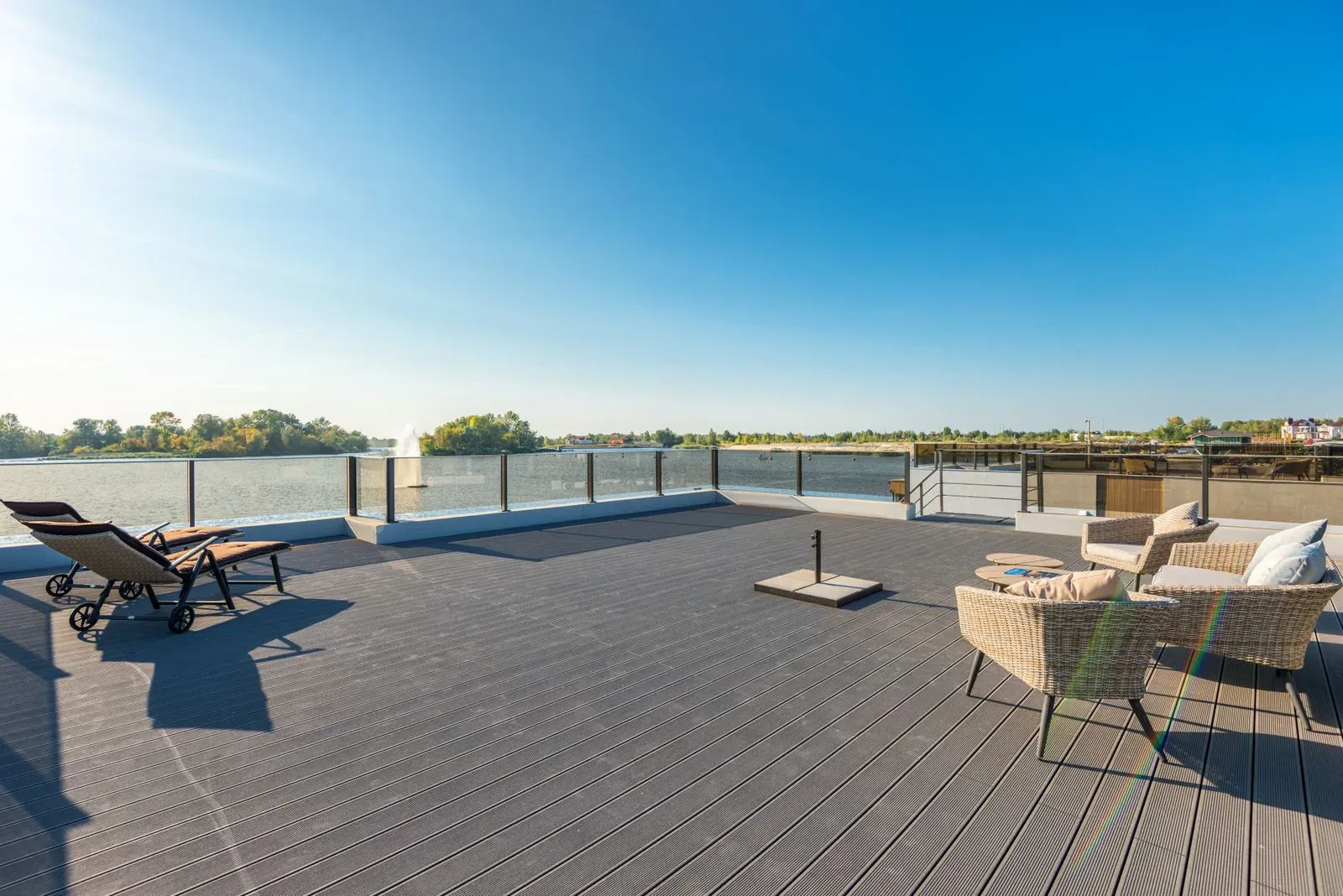
Use your property's pages to show guests the place and what you offer.
Help guests explore your rooms, cabins or other stays.
Manage your guest-facing website content in Lodgewave.
Guide guests from your website into Lodgewave direct booking.
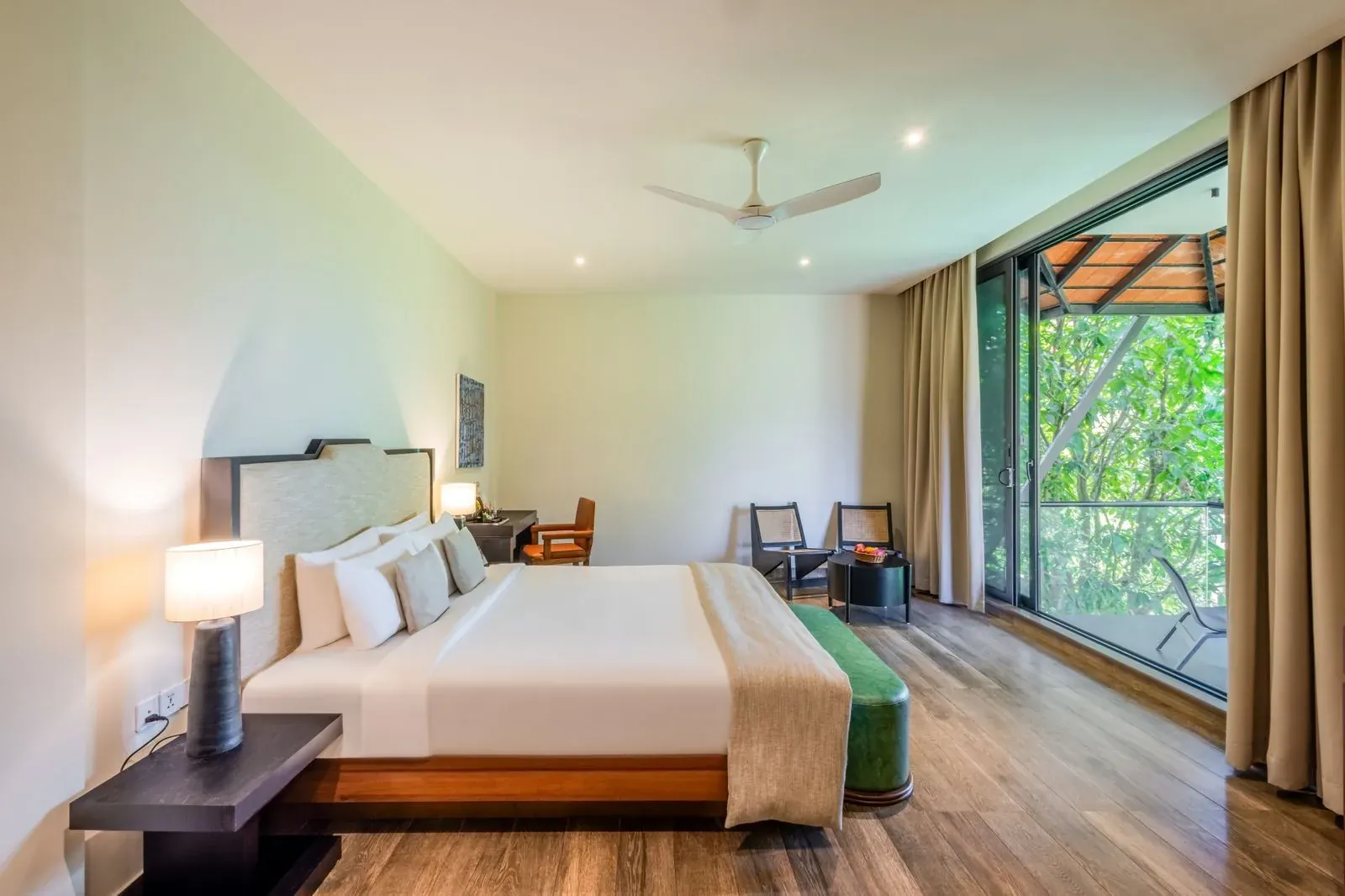
BEFORE GUESTS CHECK DATES
Your photographs and descriptions help guests understand the stay. The booking journey handles dates, availability and accommodation choices. When these feel like separate experiences, the next step can be harder to follow. Keep the route from your property pages to direct booking clear.
YOUR GUEST'S NEXT STEPS
Let guests explore the property, read about a stay and move into Lodgewave direct booking to check availability.
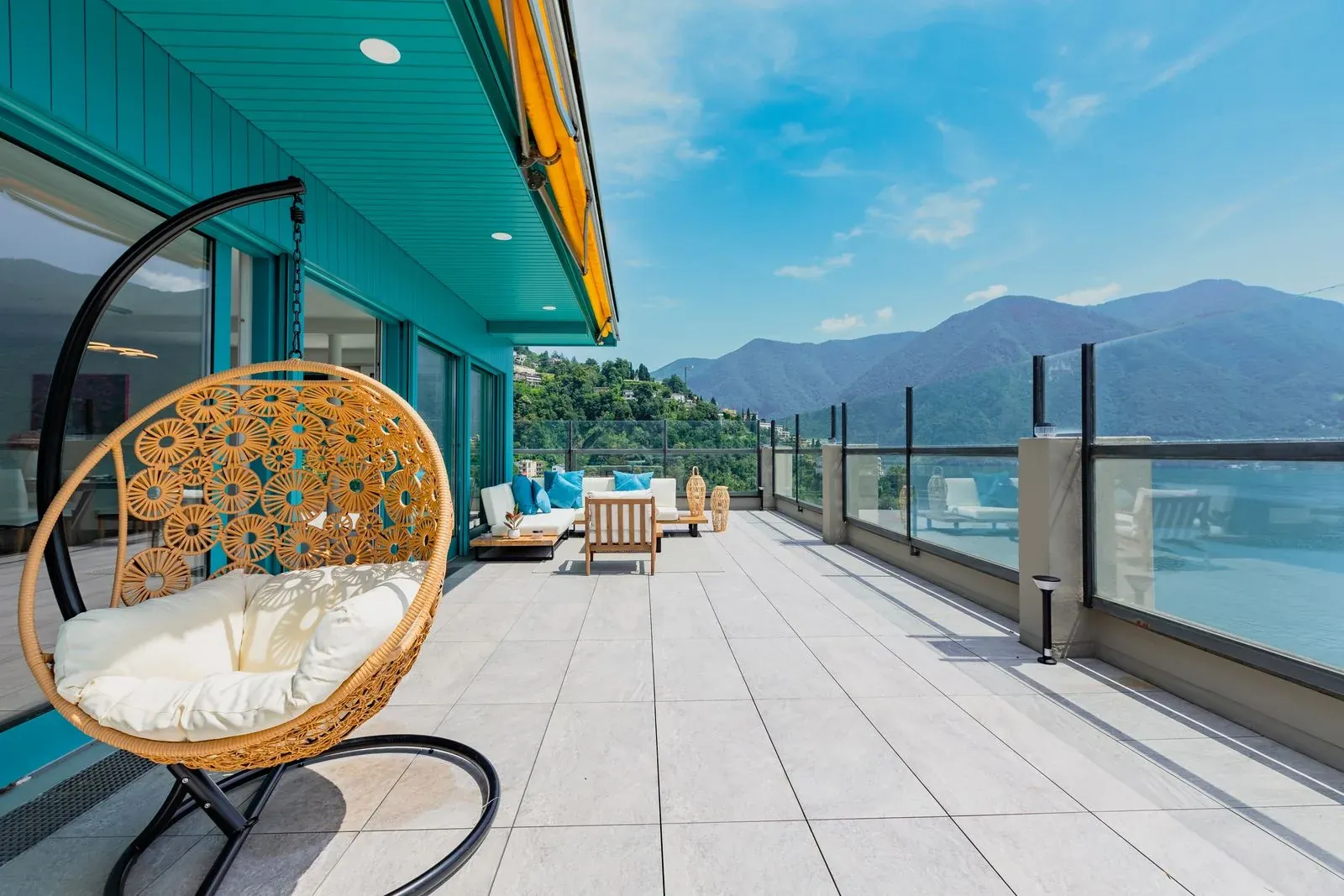
01 DISCOVER THE PROPERTY
Use your property's photography and story to help guests understand the place.
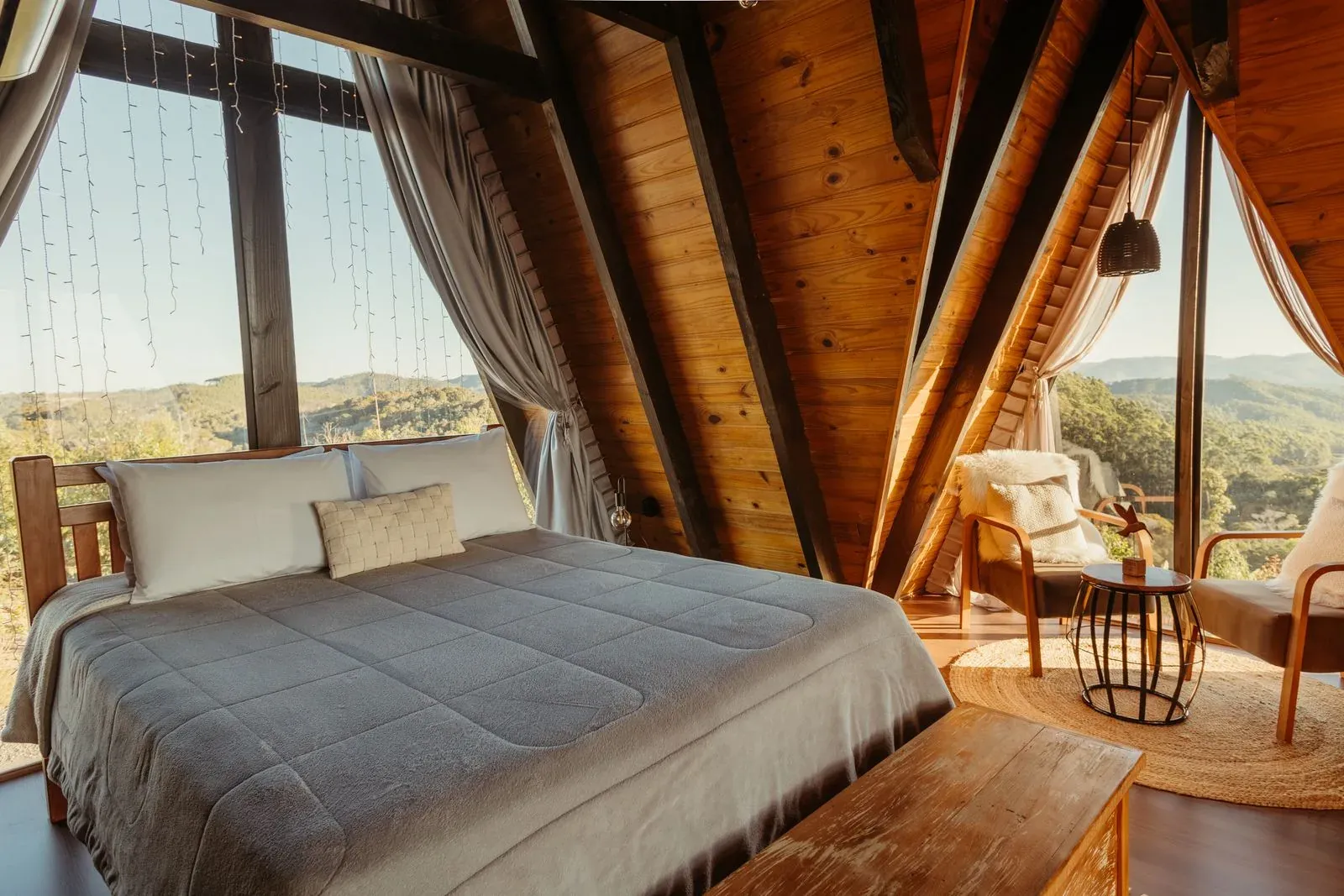
02 OPEN THE STAY
Give each stay its own photographs, description and useful information so guests can decide which accommodation to explore before checking dates.
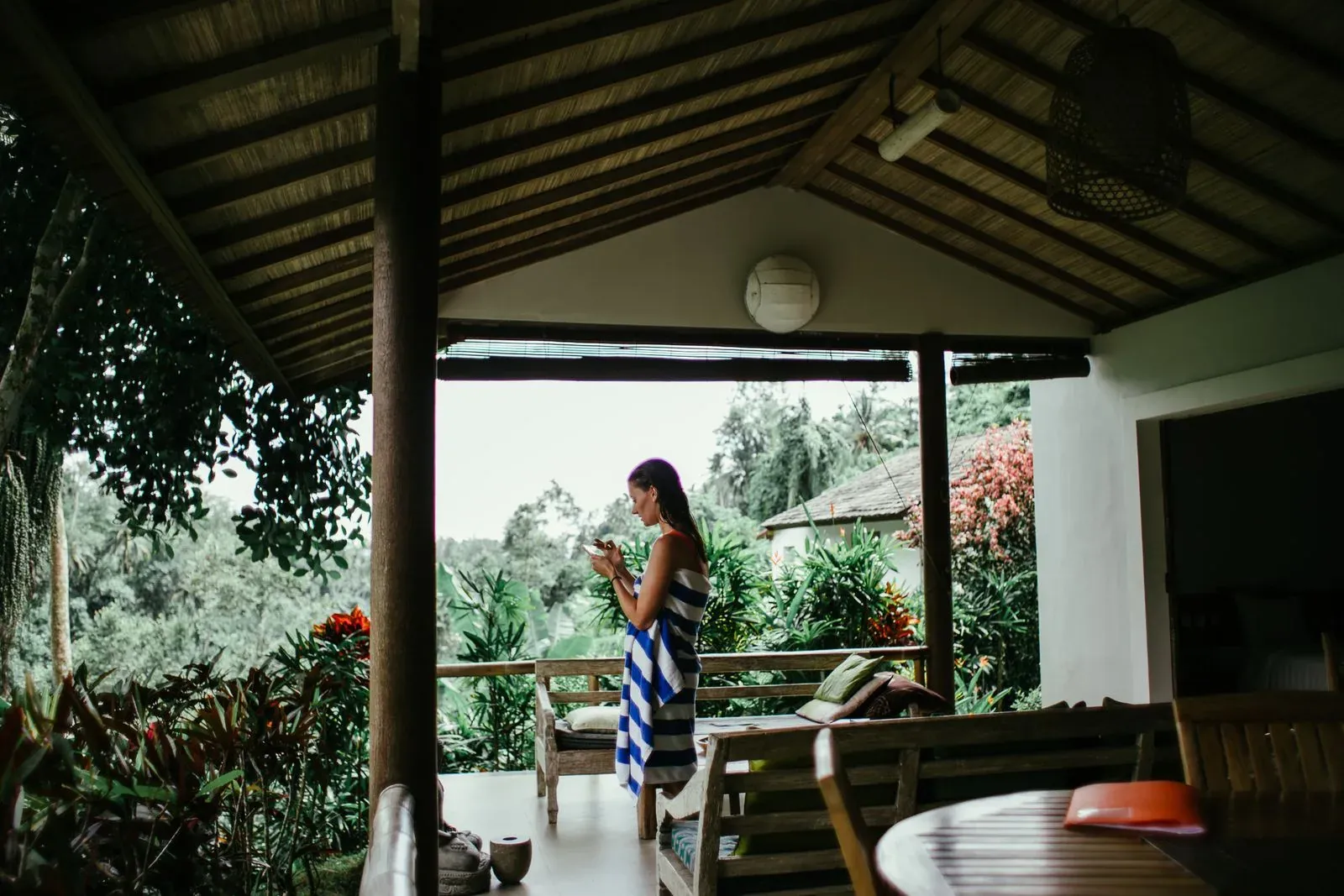
03 CHECK AVAILABILITY
Guide guests from your property and accommodation pages to Lodgewave direct booking, where they can check dates and continue the booking journey.
THE PROPERTY STORY
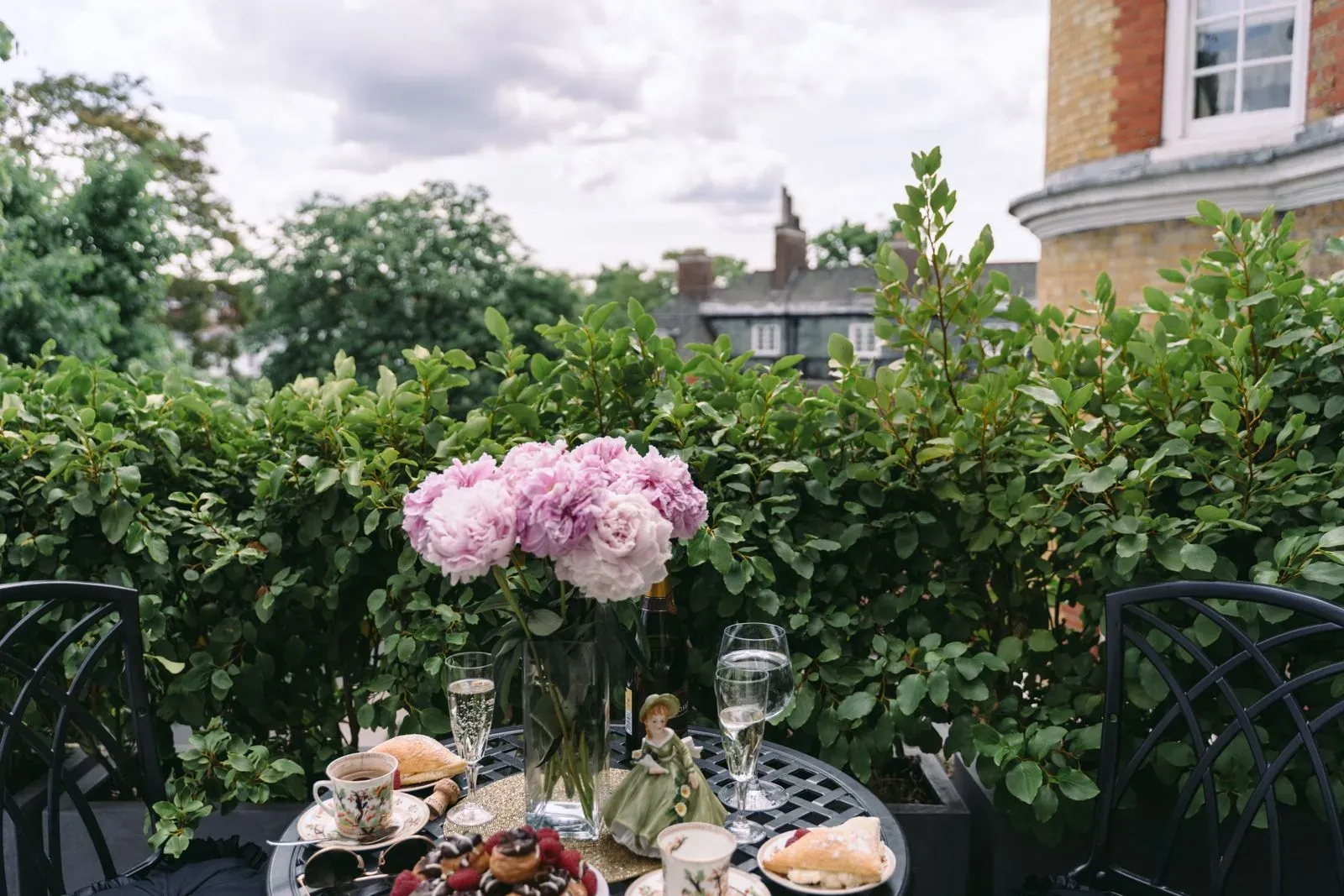
Use your own photographs, accommodation descriptions and voice to show guests what a stay with you is like. Help them understand the property, then make the step to checking dates easy to find.
Show guests your property, its setting and its atmosphere.
Give guests photographs and descriptions of the accommodation you offer.
Help guests understand what staying with you feels like.
Make checking dates and availability easy to find.
FROM CONTENT TO BOOKING
Present your property and accommodation in guest-facing pages.
Use Lodgewave's Website product to manage guest-facing content.
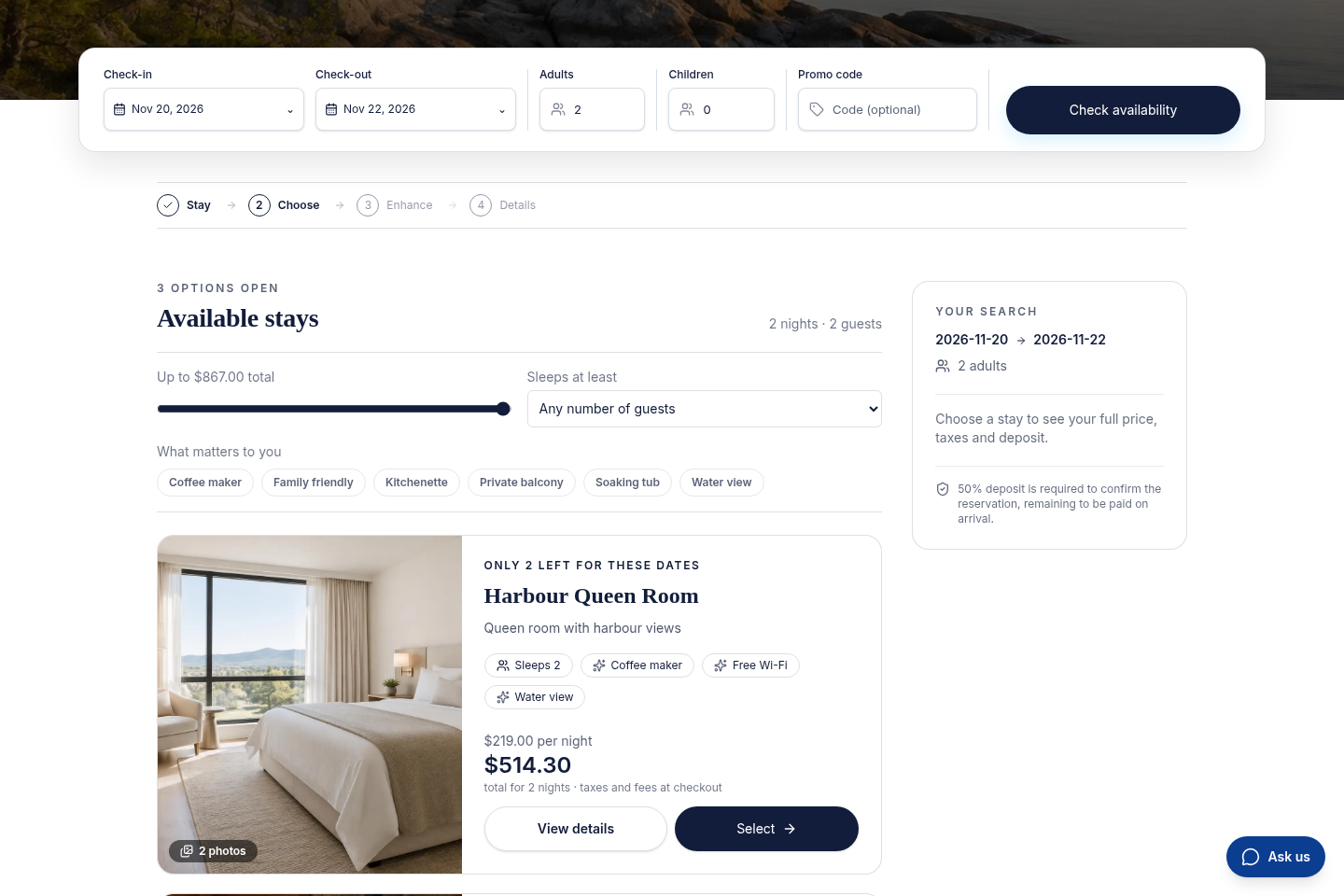
See accommodation results in the Lodgewave direct-booking journey.
WHAT CHANGES FOR YOUR TEAM
QUESTIONS FROM PROPERTY OWNERS
Yes. Lodgewave includes a Website product for guest-facing property and accommodation content, designed to lead guests into the Lodgewave booking journey.
Yes. The Website product supports guest-facing accommodation content. The public marketing page only describes the editing controls that genuine product evidence confirms.
The guest can move from property and accommodation content into Lodgewave's direct-booking path to check availability for a stay.
Yes. Lodgewave includes website-editing capability. The exact editing controls advertised publicly are limited to those shown by the genuine Website editor capture.
Yes. The website can be built around the property's own photography, accommodation content and brand voice.
Yes. Tell us how guests explore your website and what they need to know before checking dates. We'll review the relevant Website and booking workflow and discuss how it can fit your property.
BUILT AROUND YOUR PROPERTY
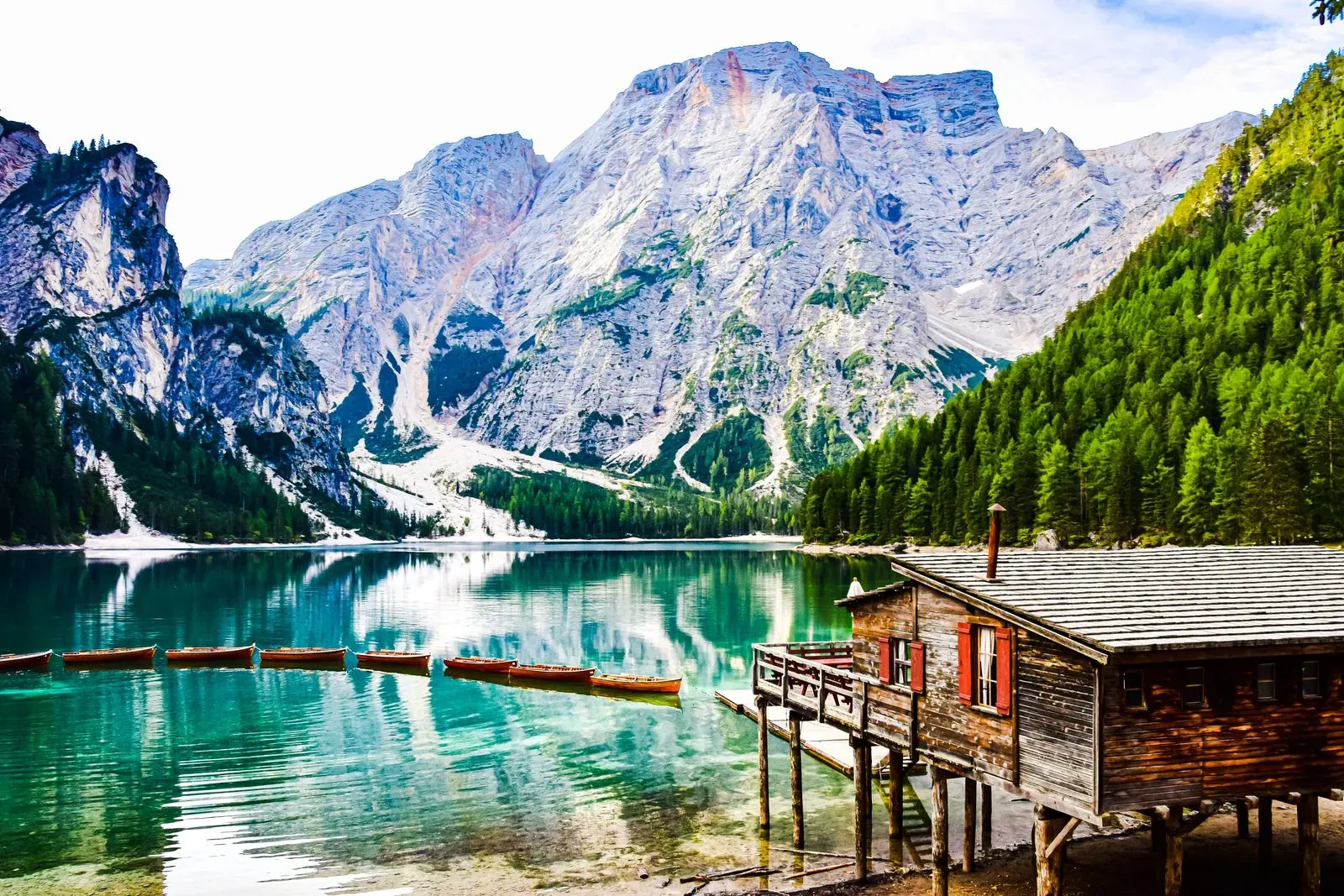
Tell us what guests need to understand about your property before they book, and where the path from your website becomes unclear. We'll review the relevant Lodgewave workflow and discuss how the website can be shaped around your property.