THE SERVICE
The dining team needs a clear view of the service itself.
PRODUCTS / DINING
You have a dining service to run and guests to look after. Keep the service and table-booking information available to your team, with relevant guest details where Lodgewave shows them.
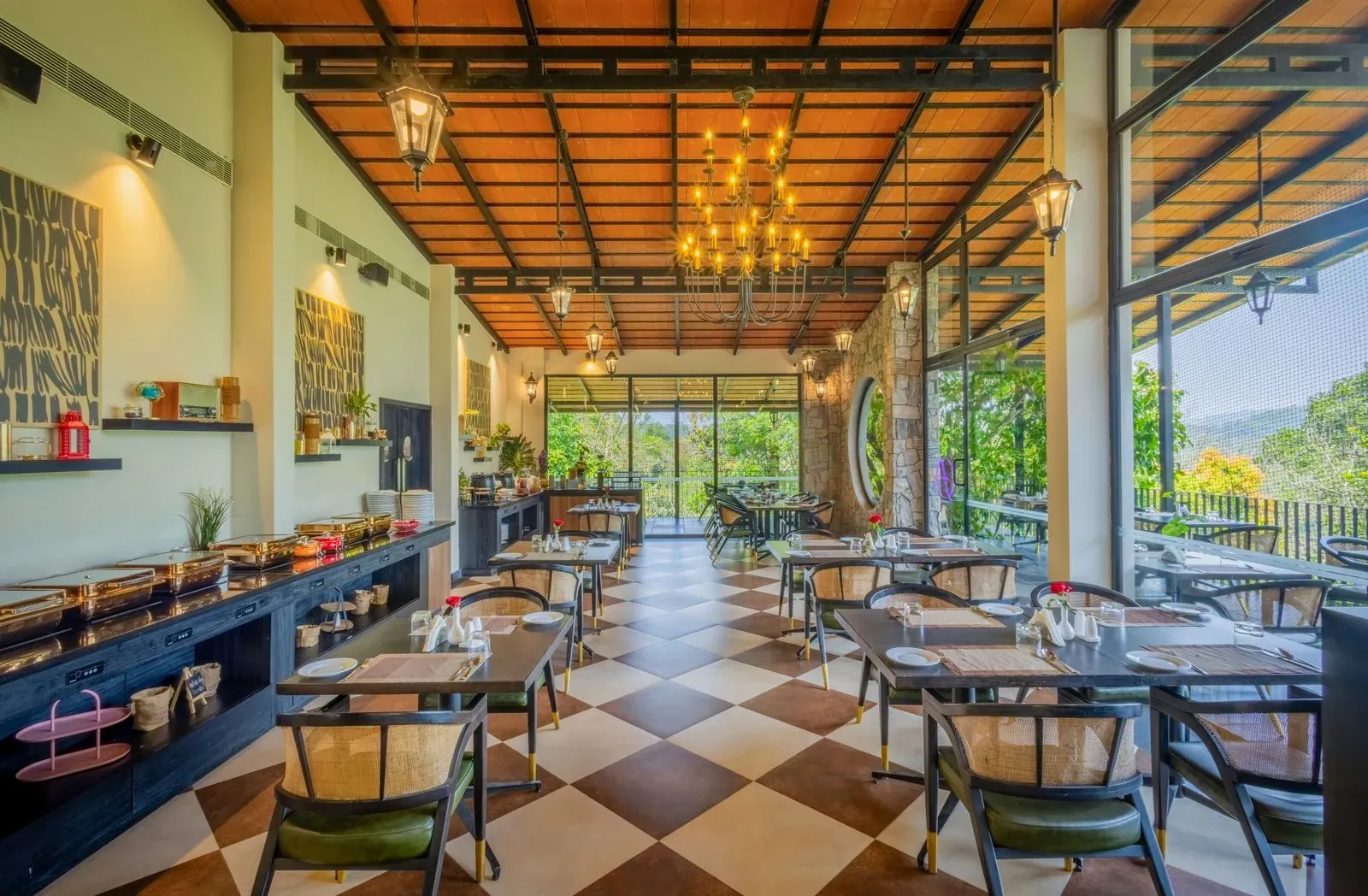
WHEN DETAILS LIVE APART
You may be serving overnight guests and people who are only joining you for a meal. Your team needs to check the right record without treating the two as the same thing.
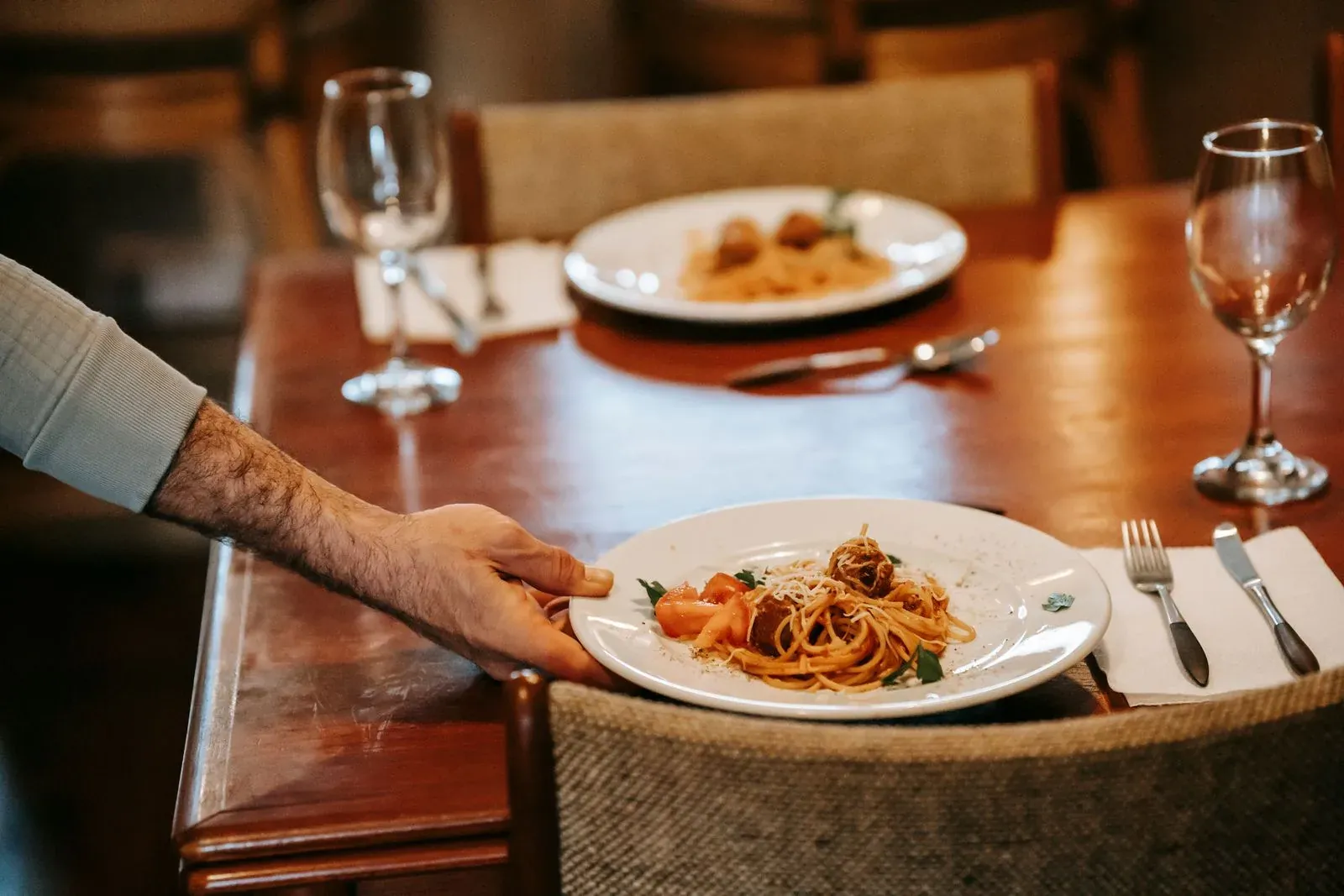
The dining team needs a clear view of the service itself.
A table booking has its own details. It should not be treated as an accommodation stay.
Where Lodgewave shows connected guest or stay details, your team can use those details to inform the service.
THE SERVICE, STEP BY STEP
Start with the dining information available to your team. Review bookings, look after the service and check only the guest details connected to it.
THE SERVICE NIGHT
CHECK THE GUEST DETAILS.
Where Dining shows a connected guest or stay record, check that it belongs to the dining booking you are handling before using it.
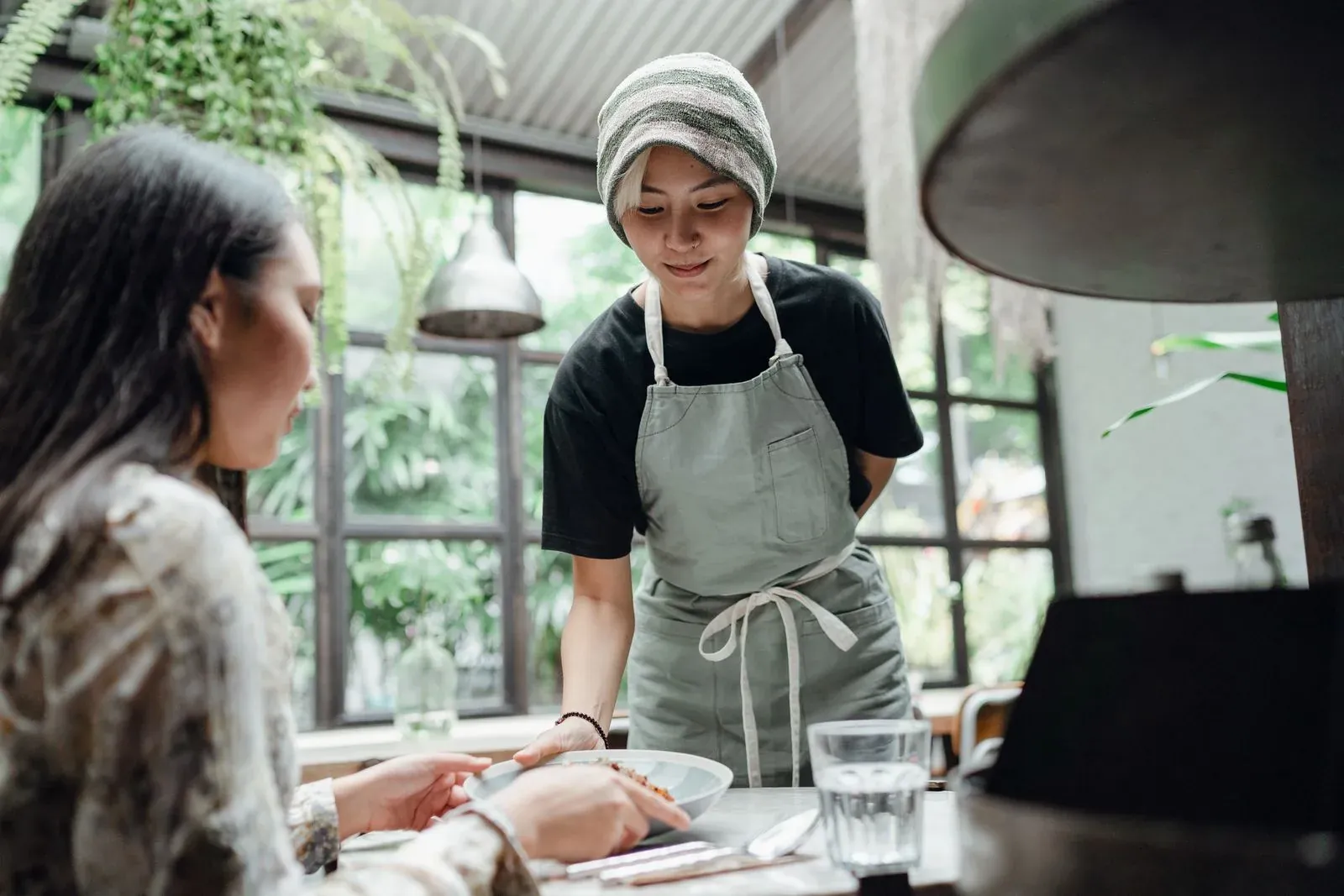
THE DINING WORKFLOW
GUEST CONTEXT, KEPT CLEAR
Your dining room can serve staying guests and restaurant-only diners in the same service. Keep each booking and its context clear.
Where Dining shows a connected stay, use only the relevant details the product shows. That access does not let your team change the stay record or charge the guest's stay automatically.
Your team needs the dining details for the booking in front of them. A meal-only booking does not need a room or stay record to be handled.
WHAT CHANGES FOR YOUR TEAM
QUESTIONS FROM PROPERTY TEAMS
Yes. Lodgewave includes a Dining workflow for the dining service itself, rather than treating the meal as a generic property task.
Yes. Lodgewave includes table and dining-booking information for the service.
No. A restaurant-only booking remains a dining booking. Lodgewave does not require every table to be connected to a resident guest.
Where Dining shows connected guest or stay details, your team can use them after checking the connection is correct. This does not give them authority to edit the underlying accommodation record.
Lodgewave supports recorded charges and folio workflows, but this page does not present a direct dining-to-folio posting workflow and no such automatic posting is promised.
Tell us how you take dining bookings, run service and look after in-house guests and outside diners. We'll discuss how Dining fits the way your property works.
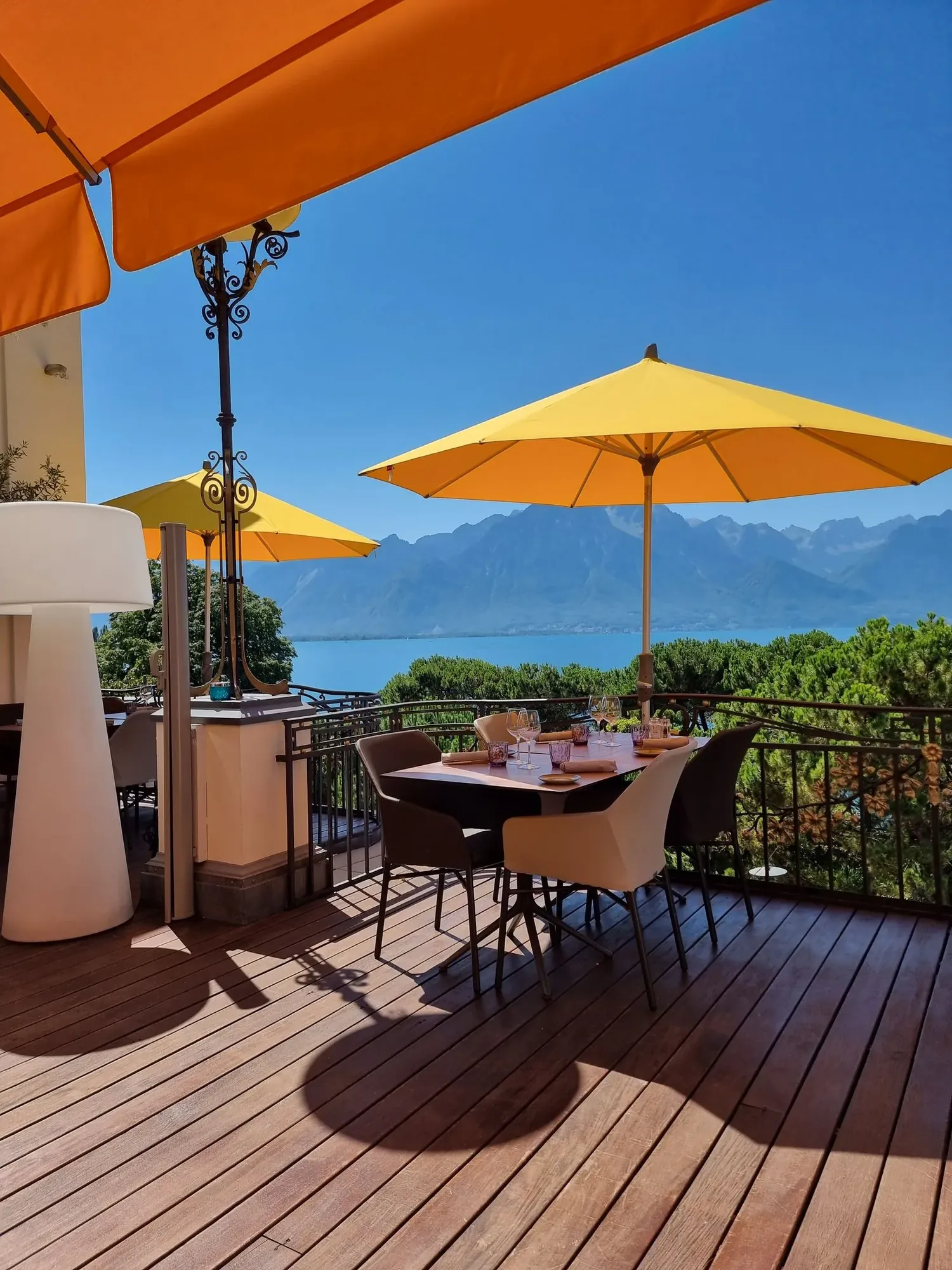
NEXT STEP
Tell us how you take table bookings, run service and recognise guests who are staying with you. We'll show you the relevant workflow and discuss how Dining can be shaped around your property.